Project Editor
Top Bar
Project Menu
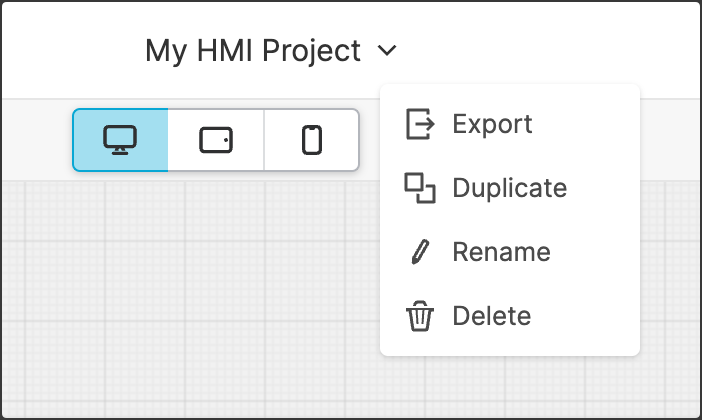
The Project Menu is located in the top bar of the Project Editor. It allows you to execute key actions on the currently open project, such as duplication and renaming.
Help Button
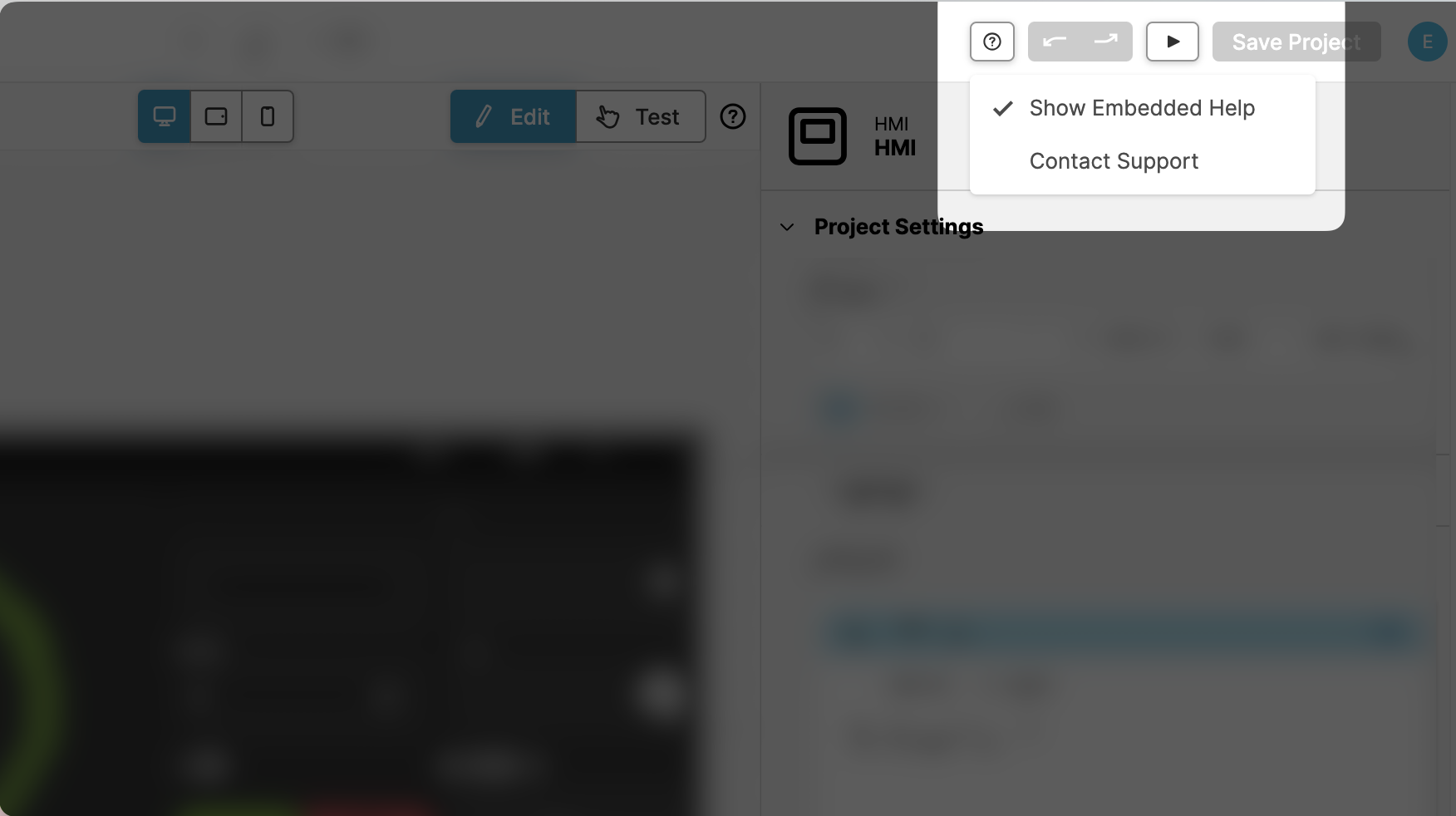
When editing a project, you can access help by using the 'Help' button located within the Main Bar.
Editor Views
Data View
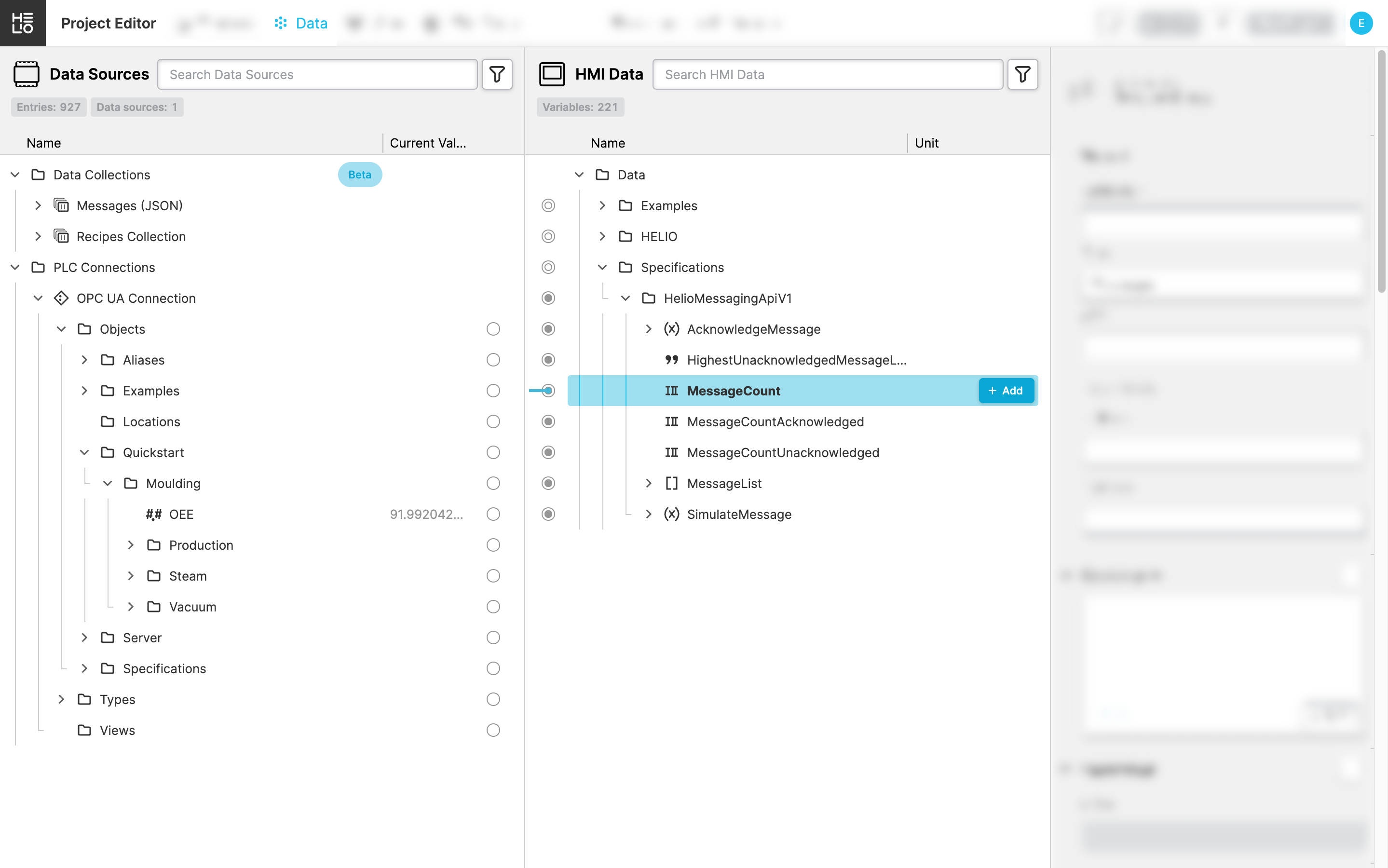
The Data View allows you to connect to data sources, define PLC connections, import
PLC data into your project, and enhance it with valuable information such
as units, limits, or ranges.
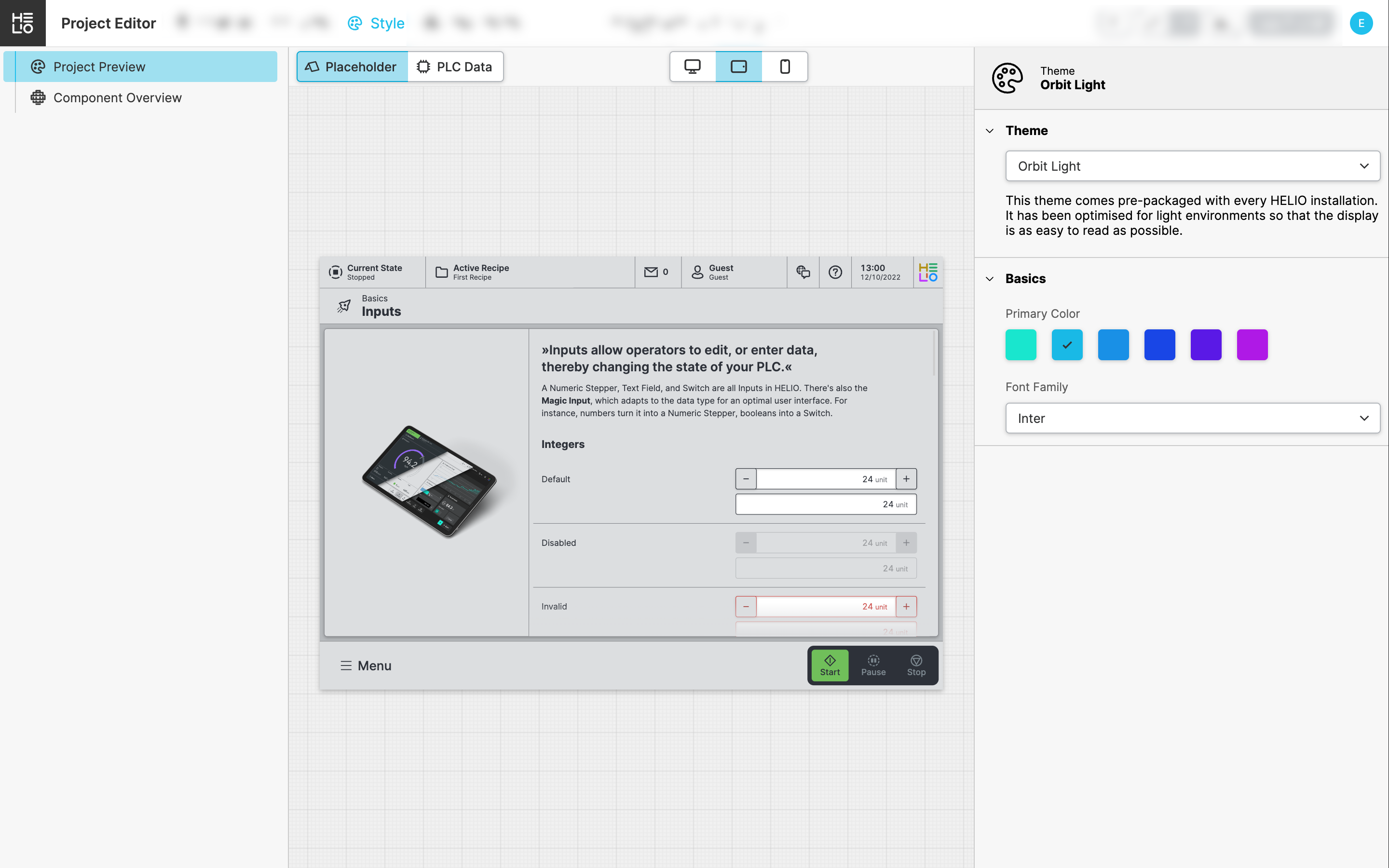
Style View
The Style View lets you customize the visual appearance of your HMI, such as
selecting a theme.
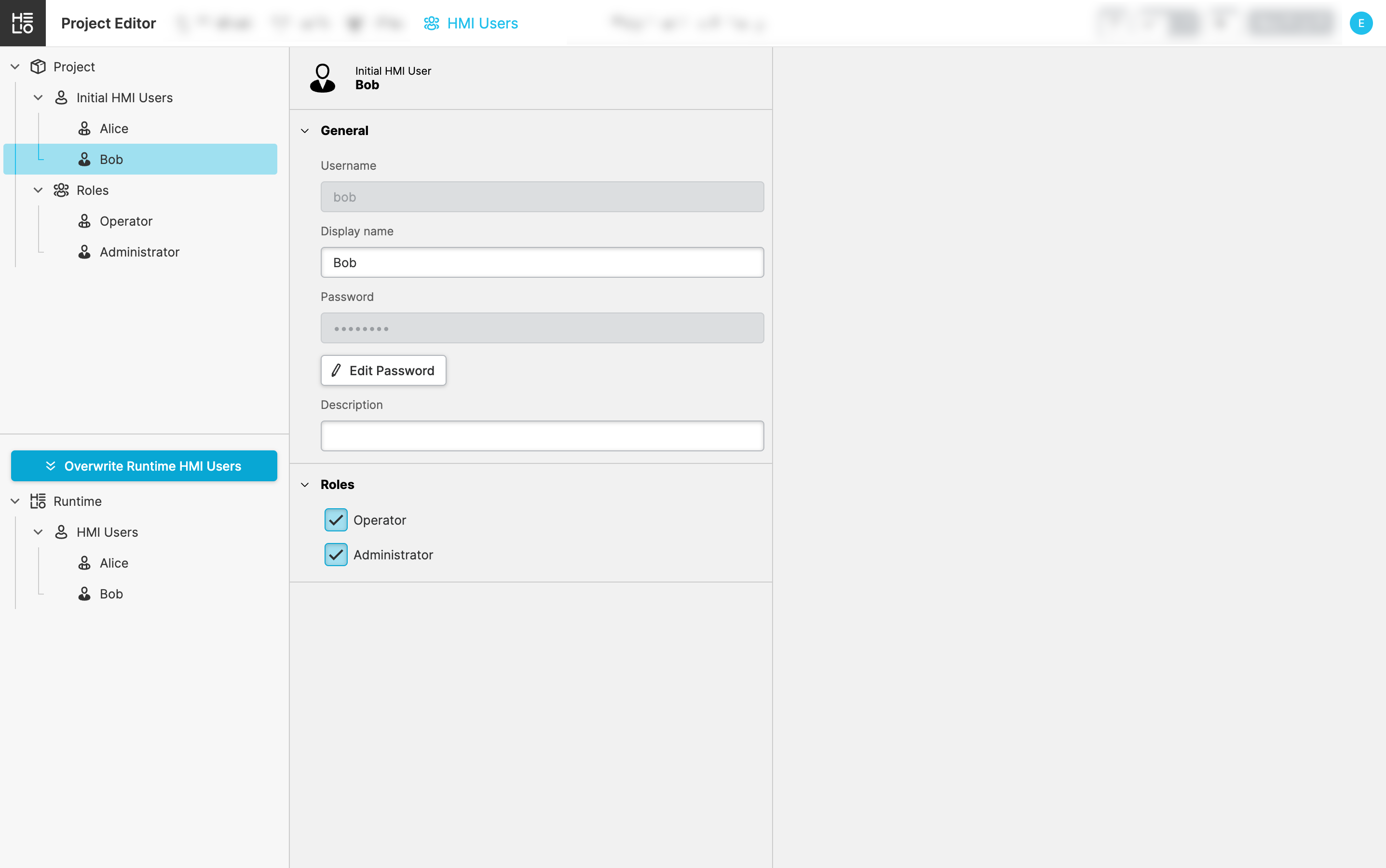
HMI Users View
The HMI Users View enables you to configure the initial HMI Users and Roles
for your project. Roles allow you to control and limit access to specific pages
or sections within your HMI.